A week with PoppyMeals
From sign-up to dinner on the table. Here's what a typical week looks like.
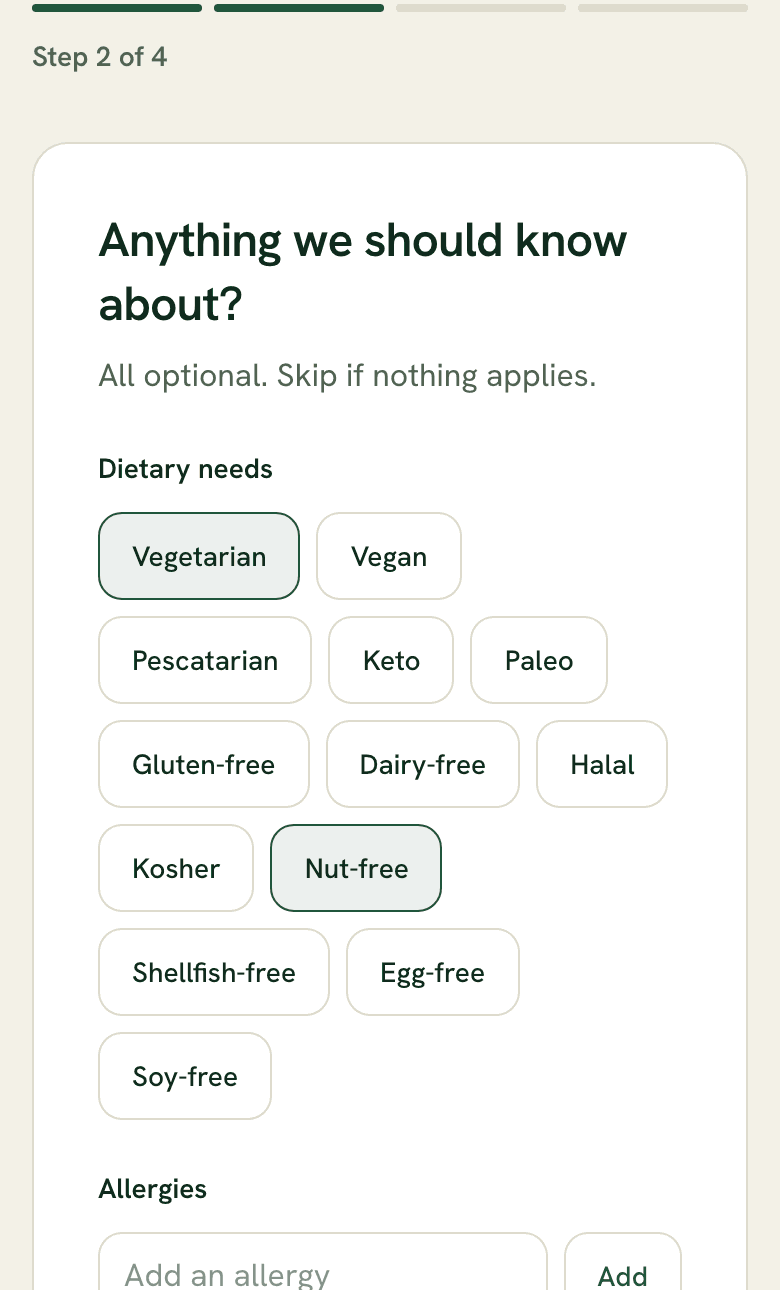
Tell us about your household.
A 3-minute setup. Who you're cooking for, dietary needs, allergies, how adventurous your family is, and when you shop. Pick your messaging channel (SMS, Telegram, or WhatsApp) and you're ready to go.
Dinner ideas, by text.
A few mornings before your grocery run, Poppy texts you dinner ideas tailored to your household. Pick the ones you like, or ask for something different.
- "Something Mexican this week"
- "Less chicken this week"
- "A soup for Sunday"
Tuesday · 7:14 AM
Morning! A few dinner ideas for next week 👇
- 🍋 Miso-glazed salmon
Sheet-pan with broccoli. ~25 min, mostly hands-off.
Add to planSave for laterAnother idea - 🌯 Chicken shawarma bowls
Warm spices over rice and salad. ~20 min.
Add to planSave for laterAnother idea - 🍲 Coconut red lentil dal
One pot, freezes well. ~30 min, vegetarian.
Add to planSave for laterAnother idea


Let the family weigh in.
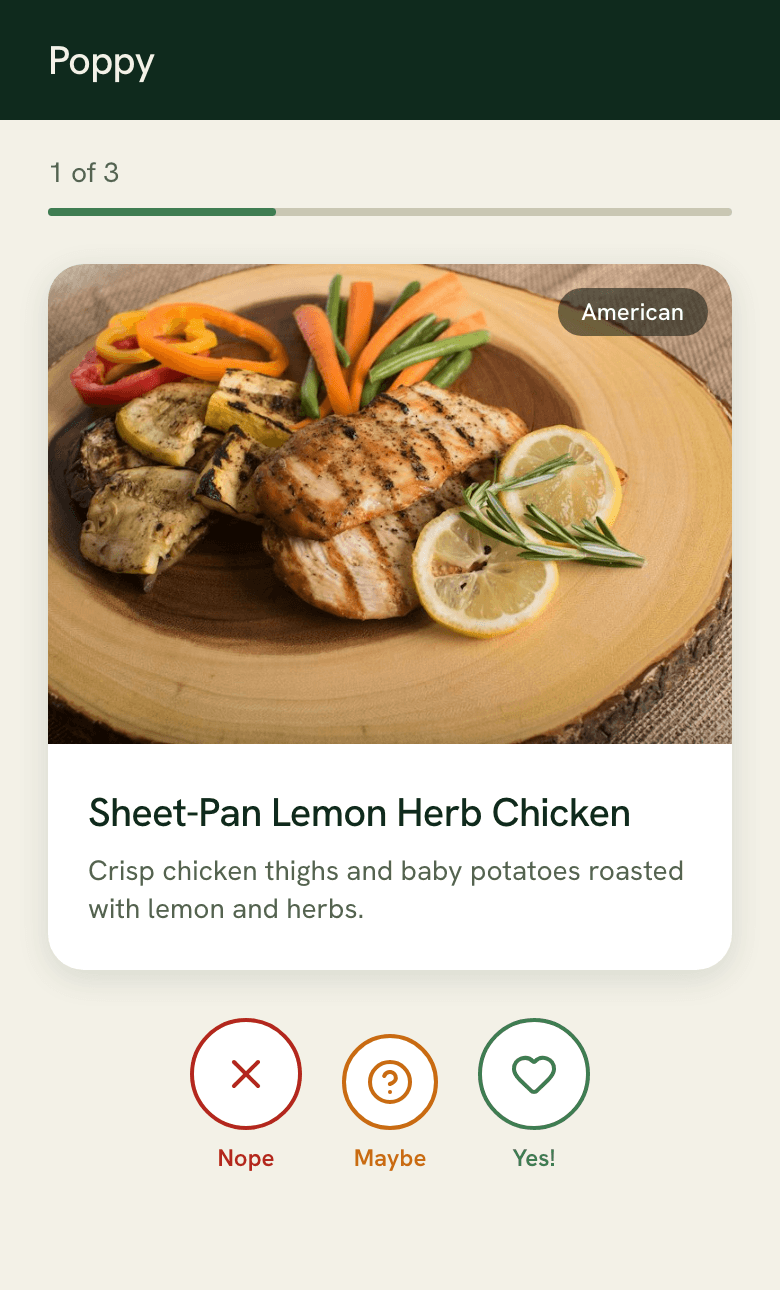
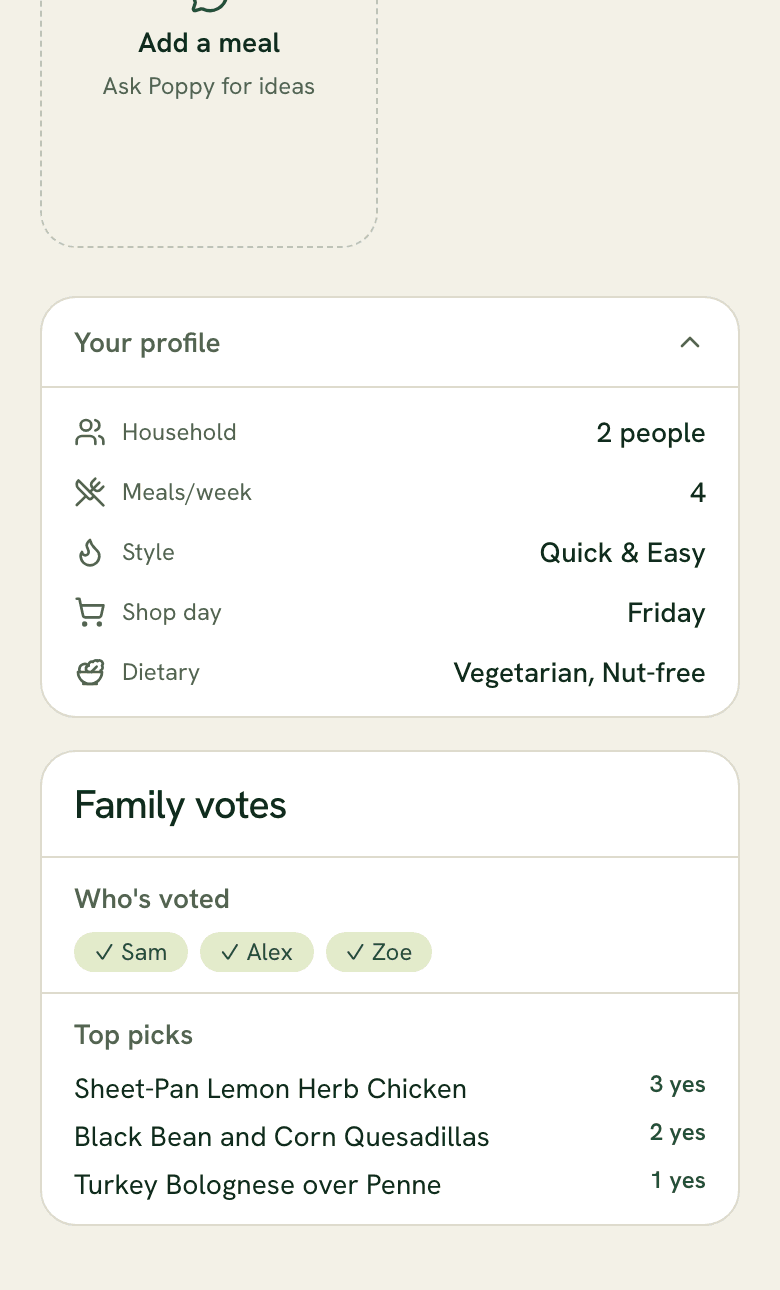
Poll your family! Share a voting link and let your household swipe through the options. Each person picks what sounds good to them. Poppy tallies the votes and learns what your family actually wants to eat.
- One-tap link sharing via text or WhatsApp
- Swipe-based voting, no app or account needed
- Results on your dashboard with top picks and write-in suggestions
- Poppy remembers what each person likes over time
Bring your own recipes.
Found a recipe online? Just text Poppy the link. It gets parsed, scaled for your household, checked against your dietary needs, and added to your plan. Tell Poppy things like "my partner hates cilantro" or "no more quinoa" and it remembers for next time.
Wednesday · 8:02 AM
No dietary conflicts with your profile.
Your shopping list and recipes.
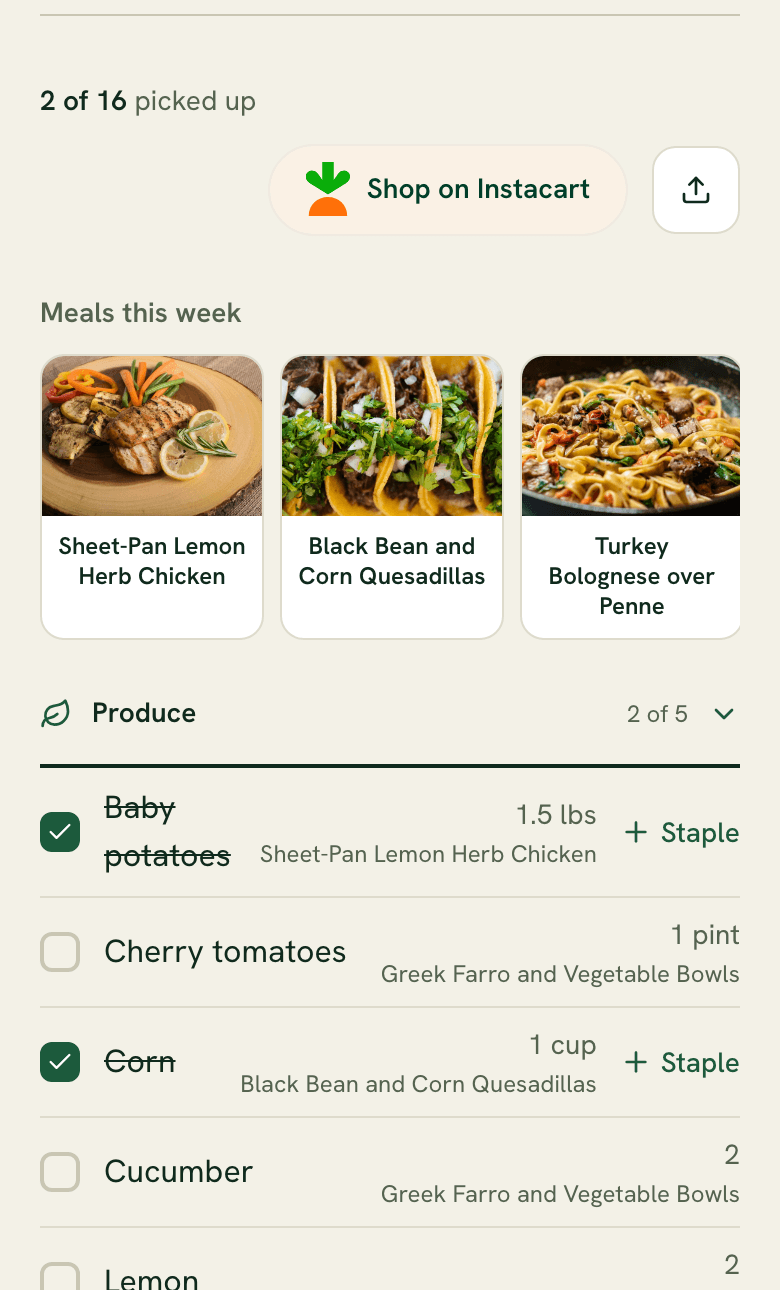
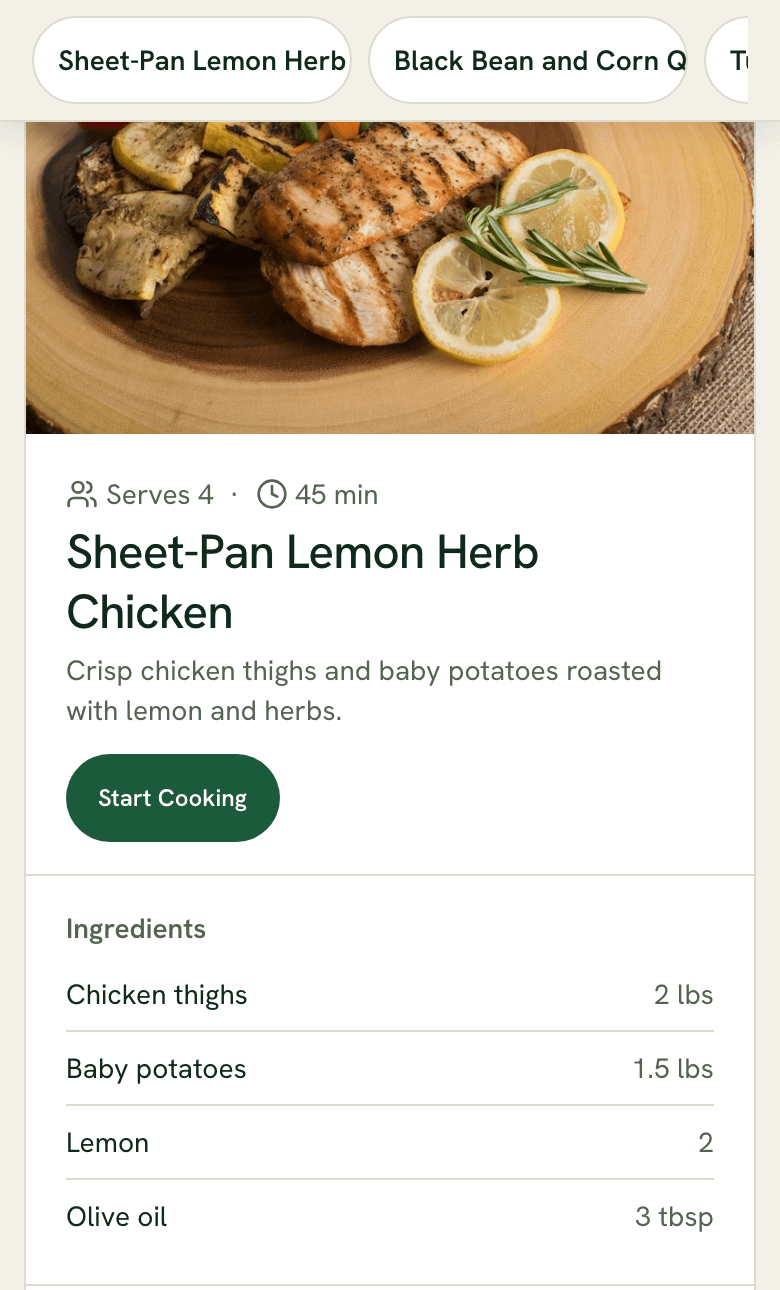
When your plan is set, Poppy sends you a categorized shopping list and full recipes. Check items off as you shop. Export to Apple Reminders or share with your partner. Shop at your regular store. No cardboard box, no markup, no ingredients you already have.
- Tap "Shop on Instacart" for delivery via Instacart
Step-by-step cooking mode.
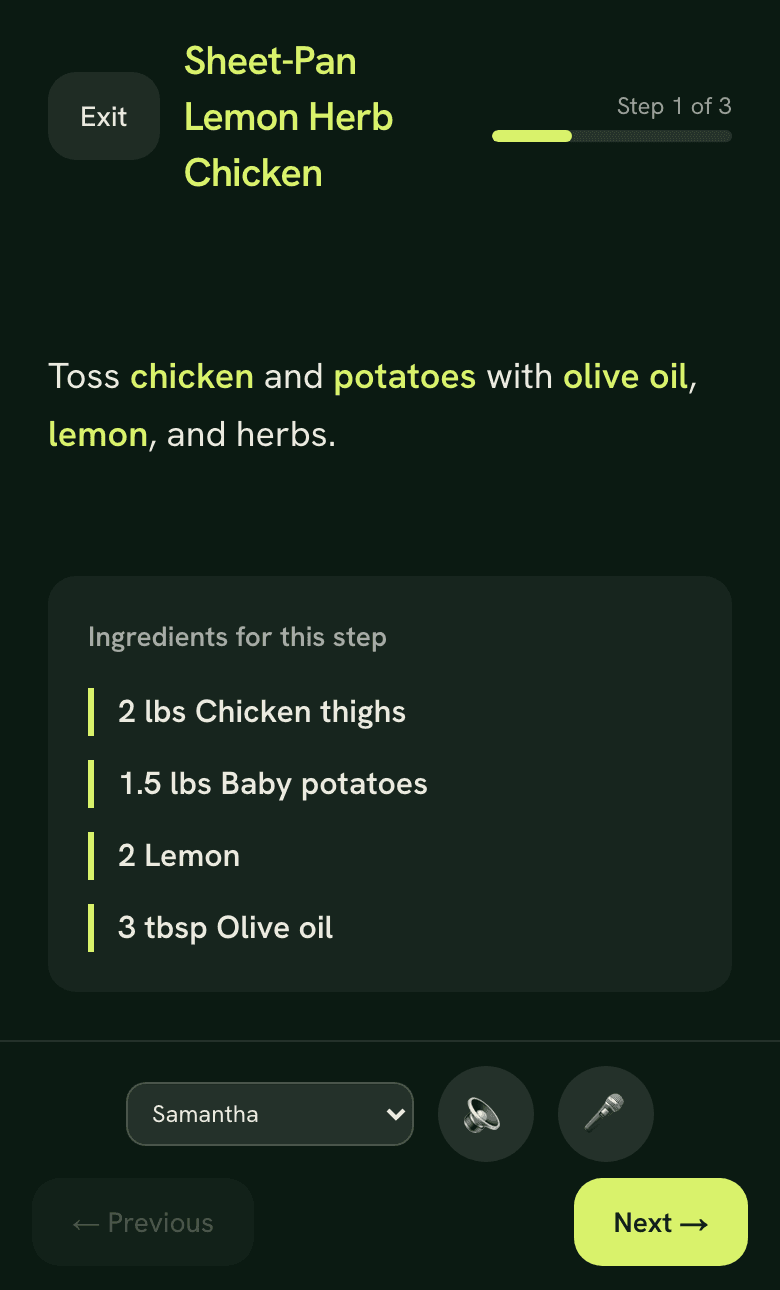
Open a recipe and tap "Start Cooking." Each step fills the screen with large, readable text. Swipe or use voice commands to move between steps.
- Voice control: "next," "back," "repeat," "start timer"
- Built-in timers, auto-detected from instructions
- Screen stays on while you cook
- Shows only the ingredients you need for each step
Rate meals. Build your favorites.
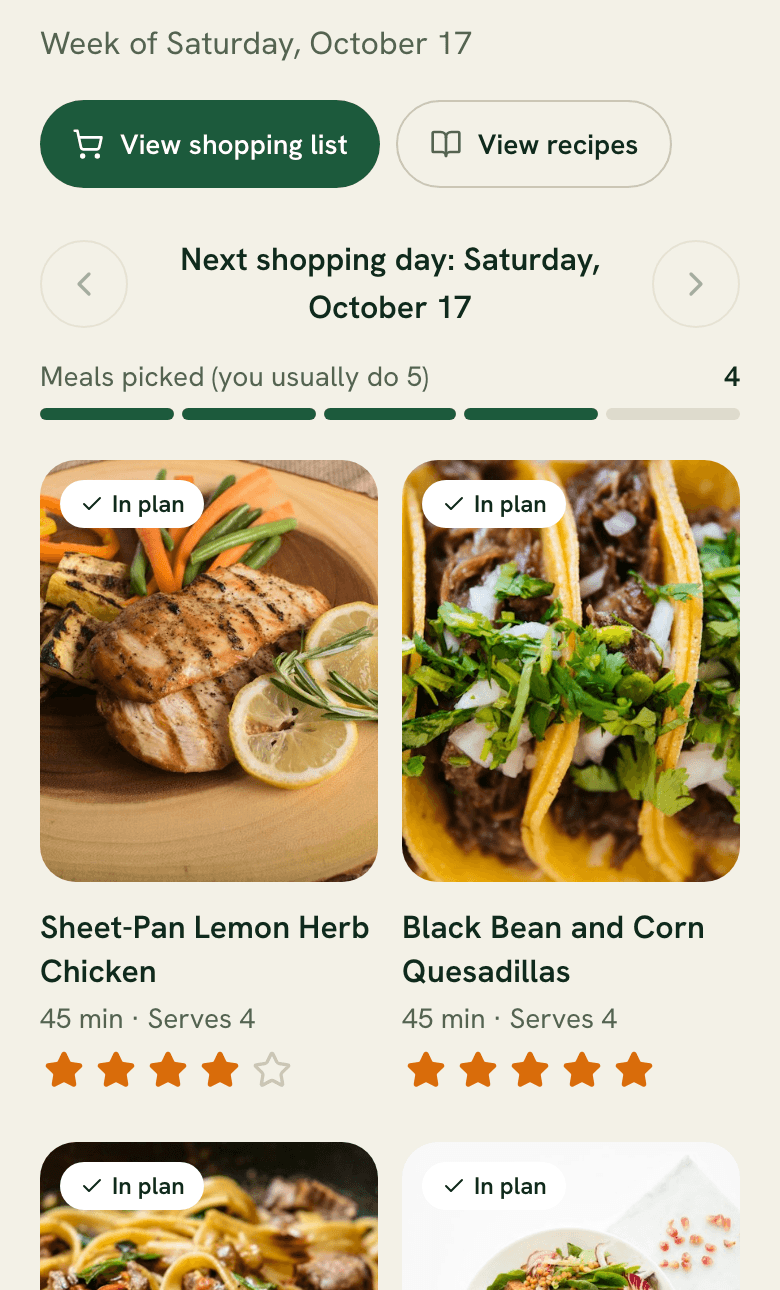
Rate meals from your dashboard. Anything you love gets saved to your favorites and suggested again in future weeks. Poppy learns what your household actually eats, not just what sounds good in theory.
Ready to stop planning dinners alone?
14 days free. No credit card. No app to install.